
Submitting a module as a developer
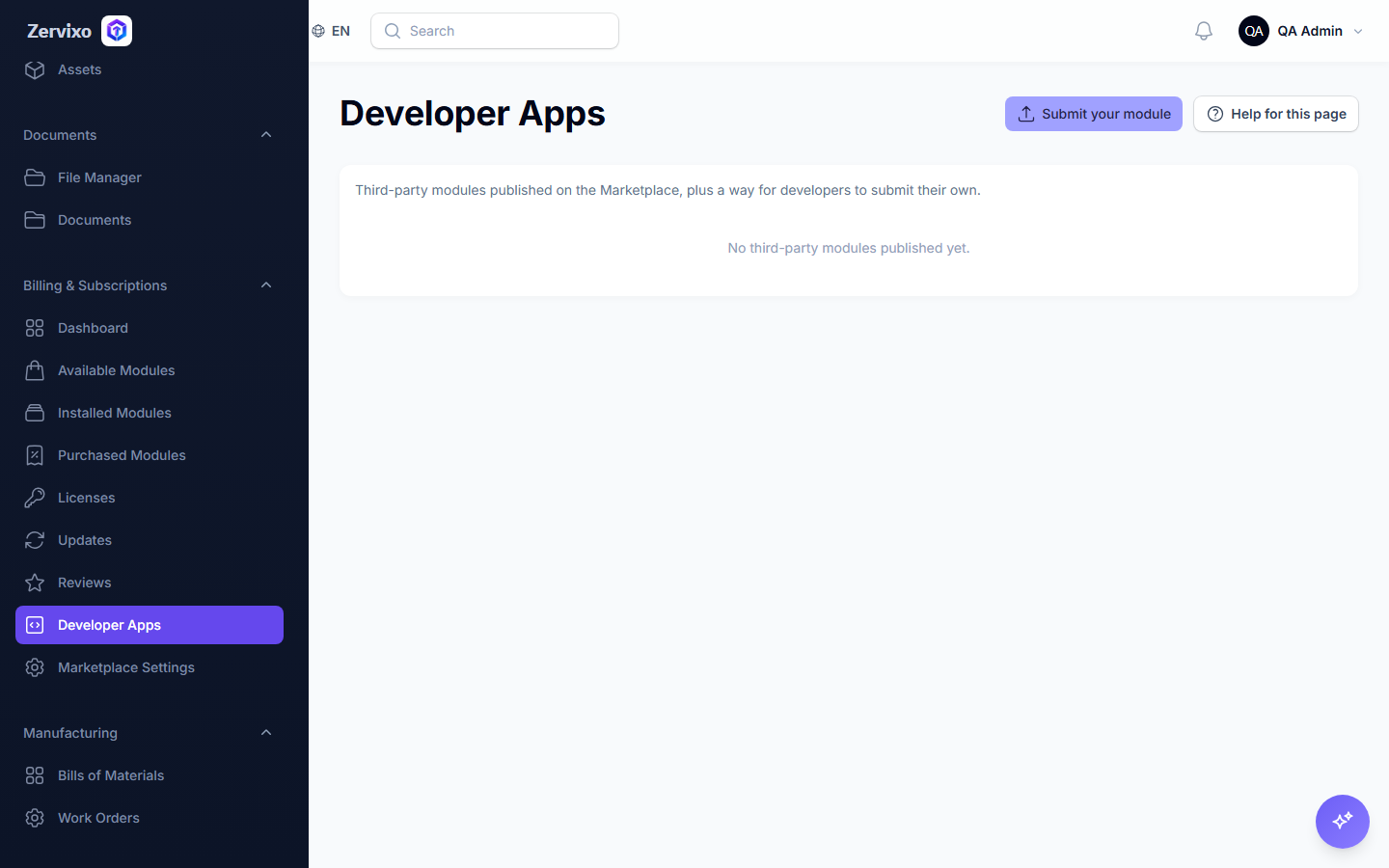
Submitting a new module's metadata for the Zervixo team's review before it's published in the marketplace.
Reading time: 2 min · Updated 2026-11-21
What this page is for
Sends metadata about a proposed module (name, description, repository link) for the team's review — this is currently a metadata-only page, not a code-upload or execution platform.
Who can access this
Any user — no special permission is currently required just to submit.
Required permission
No dedicated permission currently exists
Field reference
- Developer name: Your name or company name
- Email: For communication about the review status
- Module name: The proposed module's name
- Description: What the module does
- Repository URL: A link to the source code for review
Button reference
- Submit for review: Creates a submission record with status "Pending Review"
Workflow
- From "Developer Apps," fill in the proposed module's details.
- Click "Submit for review."
- Wait for the Zervixo team's response.
Practical scenario
An independent developer wants to sell a shipping-service integration — fills the form with their module's details, submits it, and waits for the team's review.
Screenshot from the live system
Common errors and how to resolve them
- Where do I actually upload my module's code? — There currently isn't one — this is a metadata-only form (name, description, repo link), not a code-upload or automated-publishing platform. A real developer account with login, payout details, and version uploads doesn't exist yet, and is clearly documented in the system review report.