
Creating a role and granting permissions
Roles group a set of permissions together to apply to more than one user at once.
Reading time: 1 min · Updated 2026-11-21
What this page is for
Defines a new role (e.g. "Accountant") and grants it a specific permission set, instead of manually granting every permission to every user.
Who can access this
Company Admin only.
Required permission
manage roles
Field reference
- Role name: A clear name shown when adding users
- Permissions: A multi-select list of every available permission, grouped by module
Button reference
- Create role: Opens the new-role form
Workflow
- From "Roles & Permissions," click "Create role."
- Type the role name.
- Select the required permissions from the list.
- Save — the role is now selectable when inviting or editing any user.
Practical scenario
A company creates an "Inventory Officer" role with only manage inventory — every employee given this role can view and edit inventory but cannot reach Sales or Accounting.
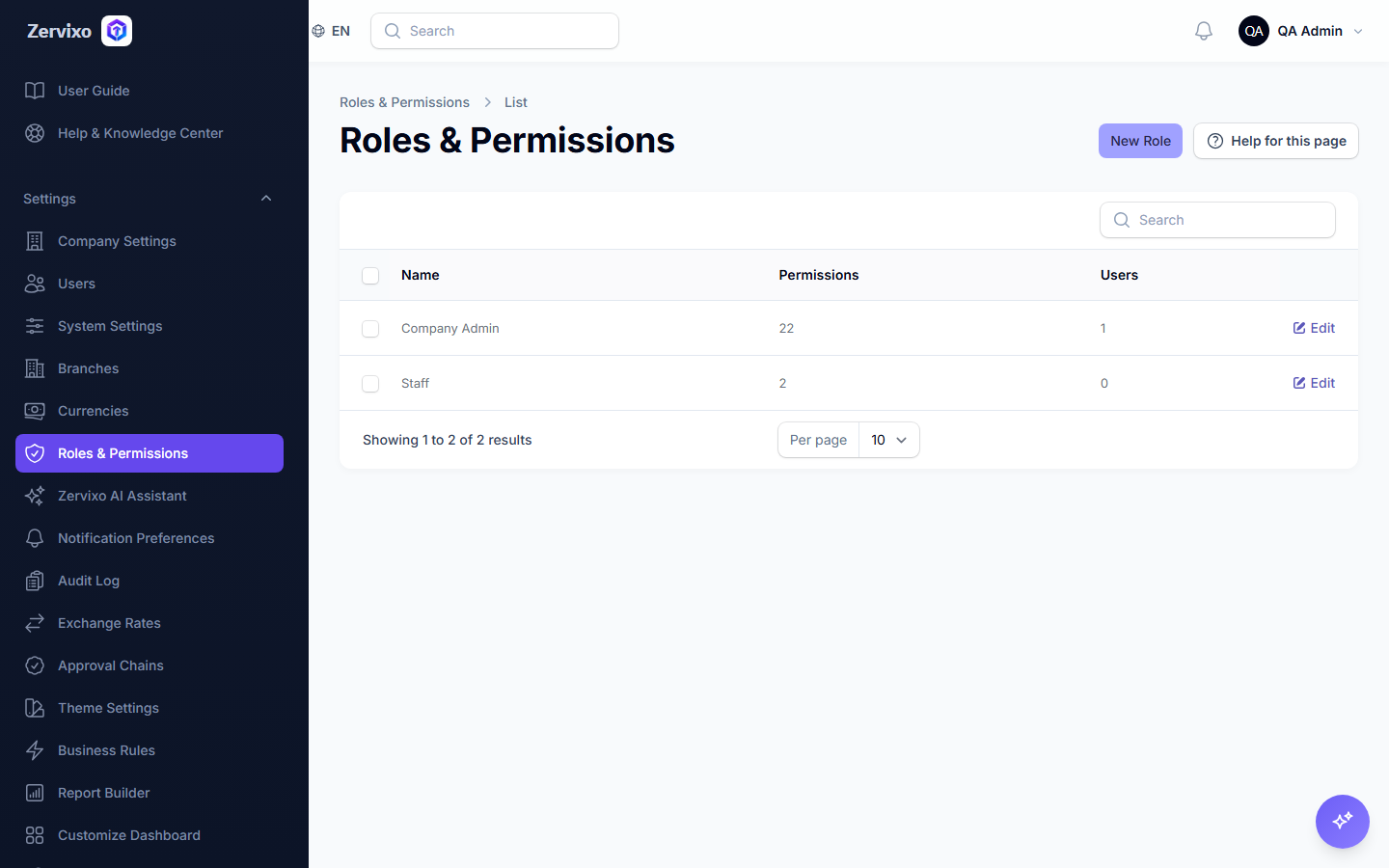
Screenshot from the live system
Common errors and how to resolve them
- I can't see the Roles page at all — You need the manage roles permission itself just to see this page — ask your Company Admin for it.