
Creating a branch and a warehouse
Branches and warehouses are the foundation every Sales/Purchases/Inventory operation is built on.
Reading time: 1 min · Updated 2026-11-21
What this page is for
A branch represents a real company location (e.g. Riyadh branch); a warehouse represents a physical storage location that can be linked to a branch — every stock movement happens inside a specific warehouse.
Who can access this
Company Admin only.
Required permission
manage company settings
Field reference
- Branch name: A clear location name, shown on invoices issued from it
- Warehouse name: A clear name for the physical stock location
- Linked branch: Which branch this warehouse belongs to
Button reference
- Create new: Opens the add-branch/add-warehouse form
Workflow
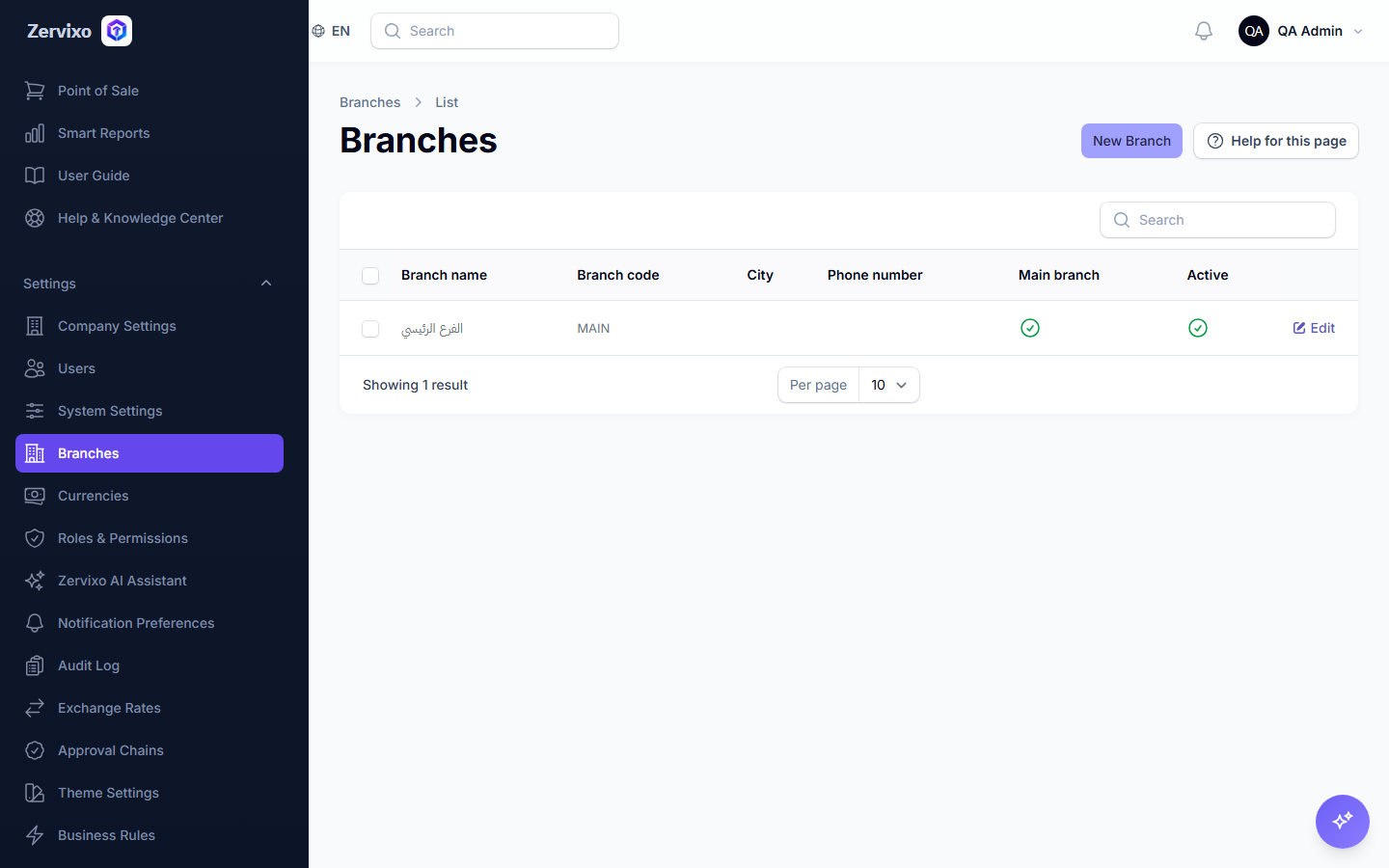
- From the sidebar, open "Branches" and create your first branch.
- From the Inventory menu, open "Warehouses" and create one linked to the branch.
Practical scenario
A distribution company has two branches: Riyadh and Jeddah. Each has its own warehouse — a sale recorded from the Jeddah branch automatically deducts stock only from the Jeddah warehouse, never from Riyadh's.
Screenshot from the live system
Common errors and how to resolve them
- I don't see the warehouse when creating an invoice — Confirm the warehouse was actually created and that your account has access to its branch.