
Setting your company's base currency
Choosing the currency every invoice, report, and journal entry will display in.
Reading time: 1 min · Updated 2026-11-21
What this page is for
Sets the Base Currency every journal entry and financial report is built on, regardless of any individual sale's own transaction currency.
Who can access this
Company Admin only.
Required permission
manage company settings
Field reference
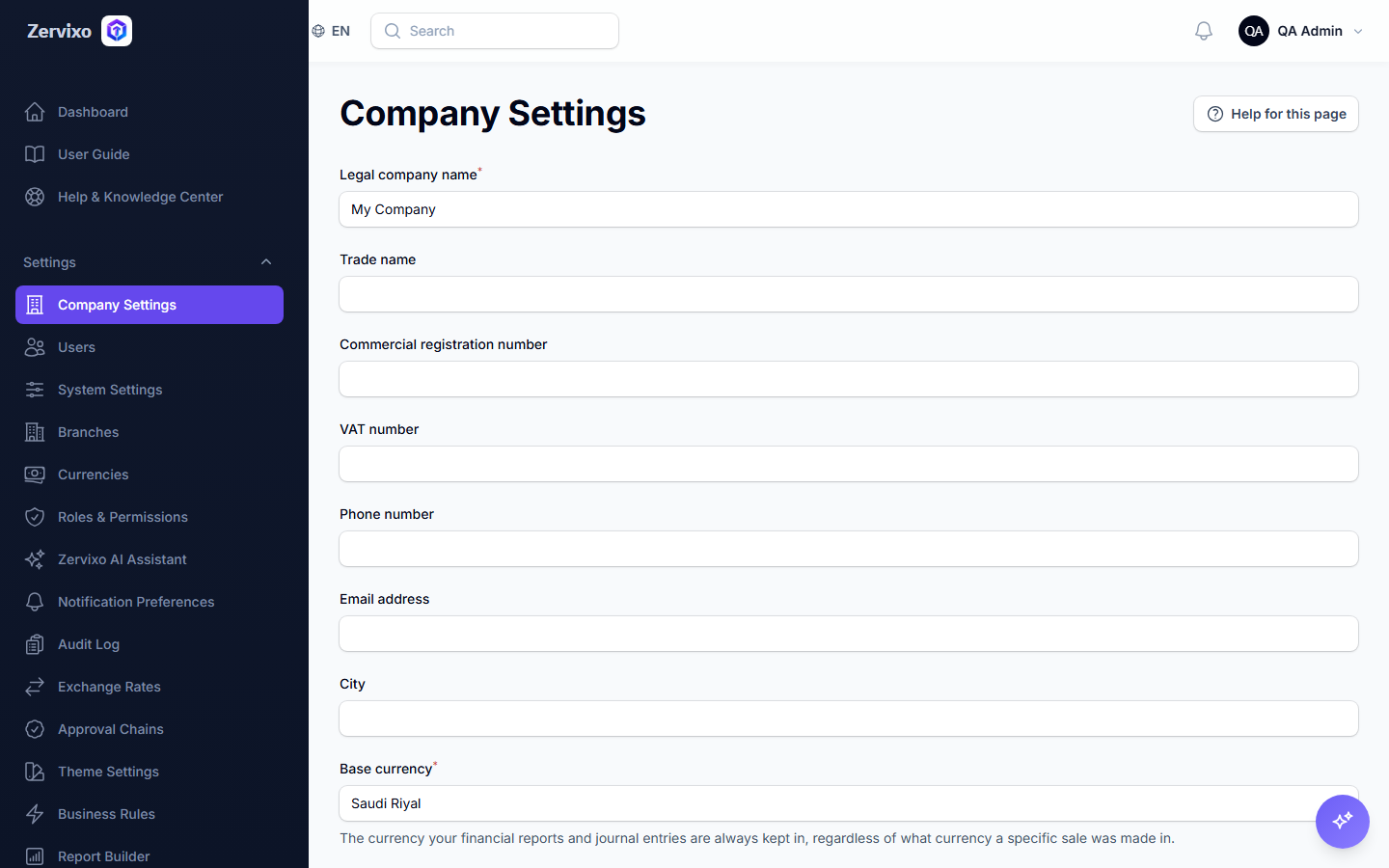
- Base currency: A dropdown of available currencies (e.g. SAR, USD, EUR) — used everywhere no other currency is explicitly specified
Button reference
- Save: Saves the change immediately — there is currently no extra confirmation step even if prior transactions exist (see the errors section below)
Workflow
- From the sidebar, open "Company Settings."
- Choose the base currency from the dropdown.
- Click "Save."
Practical scenario
A company that mainly deals in US Dollars changes the base currency from the default Saudi Riyal to USD before recording its first invoice — every subsequent invoice and report then displays in USD.
Screenshot from the live system
Common errors and how to resolve them
- I changed the currency after recording invoices — The system currently does not block or warn about this — change the base currency before starting any real financial activity to avoid old and new reports disagreeing (a real gap documented in the system review).
Frequently asked questions
Can I use more than one currency in a single sale?
Yes, each invoice can carry its own transaction currency (currency_code) distinct from the base currency, and the exchange rate used at the time is stored.