
Receiving goods
Recording the actual receipt of goods from the supplier — this is where stock quantity genuinely increases.
Reading time: 1 min · Updated 2026-11-21
What this page is for
Genuinely increases stock balance on receipt confirmation, supporting partial receipt across multiple batches.
Who can access this
Any user with manage purchases.
Required permission
manage purchases
Field reference
- Received quantity: Can be less than what was ordered (partial receipt is allowed)
- Rejected/damaged quantity: Excluded from the good quantity added to stock
- Warehouse: Chosen specifically at receipt time, not when the purchase order was created
Workflow
- From the approved purchase order, click "Create receipt."
- Choose the warehouse receiving the goods.
- Enter the quantity actually received (and rejected, if any).
- Click "Confirm" — stock balance increases immediately.
Practical scenario
A 500-unit purchase order arrives with only 300 in the first batch — a partial receipt of 300 is recorded, stock genuinely increases by 300, and the purchase order stays "partially received" until the remaining 200 arrive.
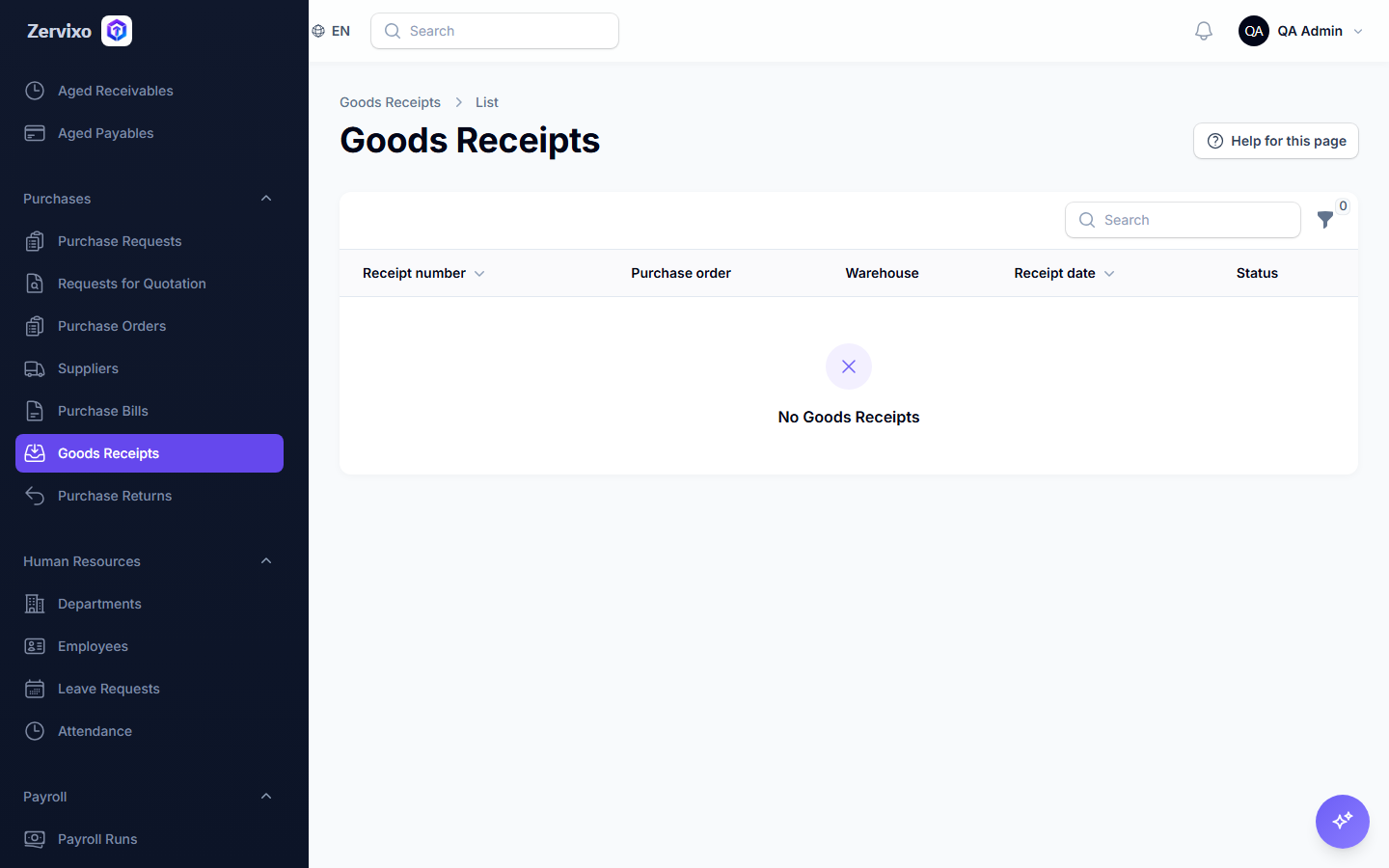
Screenshot from the live system
Common errors and how to resolve them
- Stock increased twice for the same receipt — Structurally not possible — every stock change goes exclusively through one responsible service that prevents direct writes or duplication.