Purchasing a module from the Marketplace
The same "Subscribing to a module" scenario above, from the marketplace-browsing angle.
Reading time: 1 min · Updated 2026-11-21
What this page is for
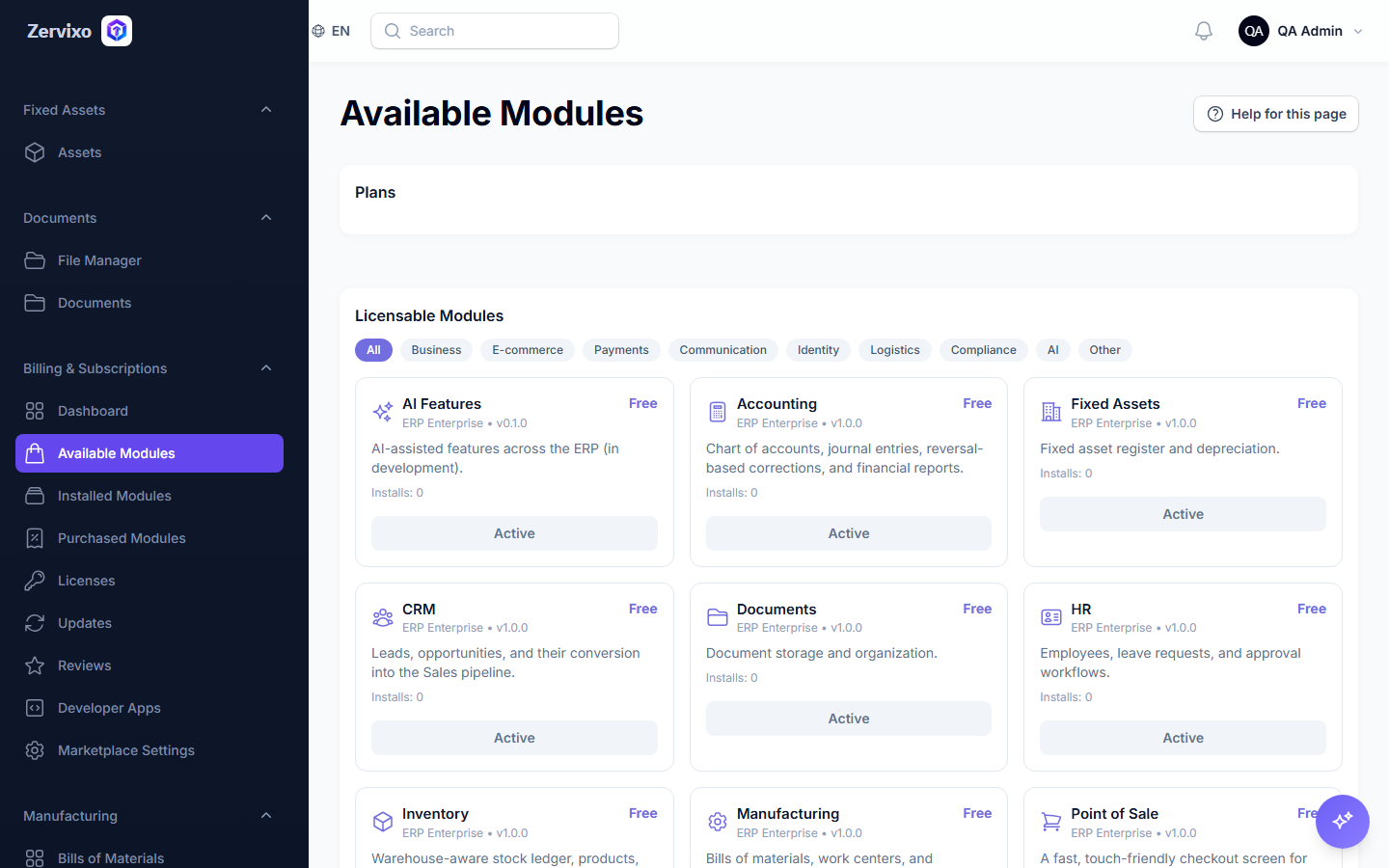
Browse every module available in the marketplace (core or third-party) with pricing and ratings, before subscribing.
Who can access this
Company Admin only.
Required permission
manage company settings
Workflow
- From "Marketplace," browse every module organized by category.
- Open any module to see its description, price, and rating.
- Click "Subscribe" — see the "Subscribing to a module" scenario for full detail.
Practical scenario
A company browses the marketplace looking for a new integration module, compares two options by rating and price, and subscribes to the best fit.
Screenshot from the live system