Issuing a sales invoice
Converting a sales order (fully or partially) into a real invoice with a real accounting entry.
Reading time: 1 min · Updated 2026-11-21
What this page is for
Issues a real invoice that creates a genuine debit/credit accounting entry and appears in receivables reports.
Who can access this
Any user with manage sales.
Required permission
manage sales
Field reference
- Invoiced lines: Only part of the quantity can be invoiced if delivery was partial
- Currency: Can differ from the base currency — the exchange rate at invoicing time is stored
Workflow
- From the confirmed sales order, click "Create invoice."
- Line items pre-fill with whatever remains un-invoiced.
- Review VAT and the total.
- Issue the invoice — the accounting entry is created automatically.
Practical scenario
A partial delivery of 60 out of 100 units is invoiced — the first invoice covers only the 60, and the remaining 40 stays invoiceable later once delivery is completed.
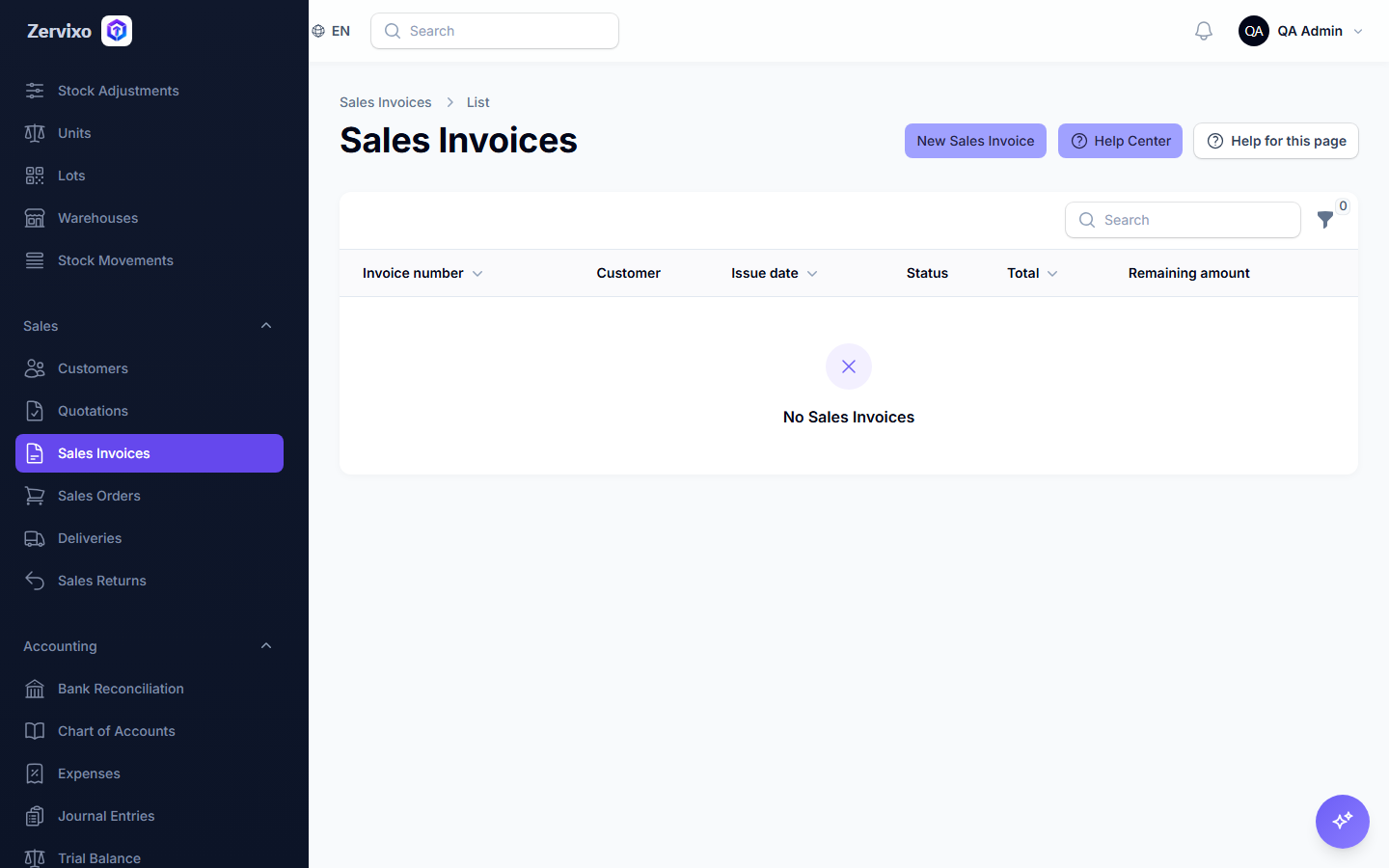
Screenshot from the live system