
Creating a sales order
The real commitment to sell — from here, stock reservation begins ahead of delivery.
Reading time: 1 min · Updated 2026-11-21
What this page is for
A real sales document that links the customer to inventory, warehouse, and branch, and generates the delivery and invoice from it later.
Who can access this
Any user with manage sales.
Required permission
manage sales
Button reference
- Confirm: Actually reserves the required stock in the chosen warehouse
- Create delivery: Appears after confirmation, creates a delivery document ready to execute
Record states
- Draft
- Confirmed
- Partially delivered
- Fully delivered
- Invoiced
Workflow
- Create a sales order directly, or convert one from an accepted quotation.
- Choose the warehouse it will be delivered from.
- Click "Confirm" — stock is reserved immediately.
- Create a delivery when ready to actually deliver.
Practical scenario
A sales order for 100 units of a product is confirmed, immediately reserving 100 units specifically from the Riyadh warehouse, so no other sales order can reserve the same quantity.
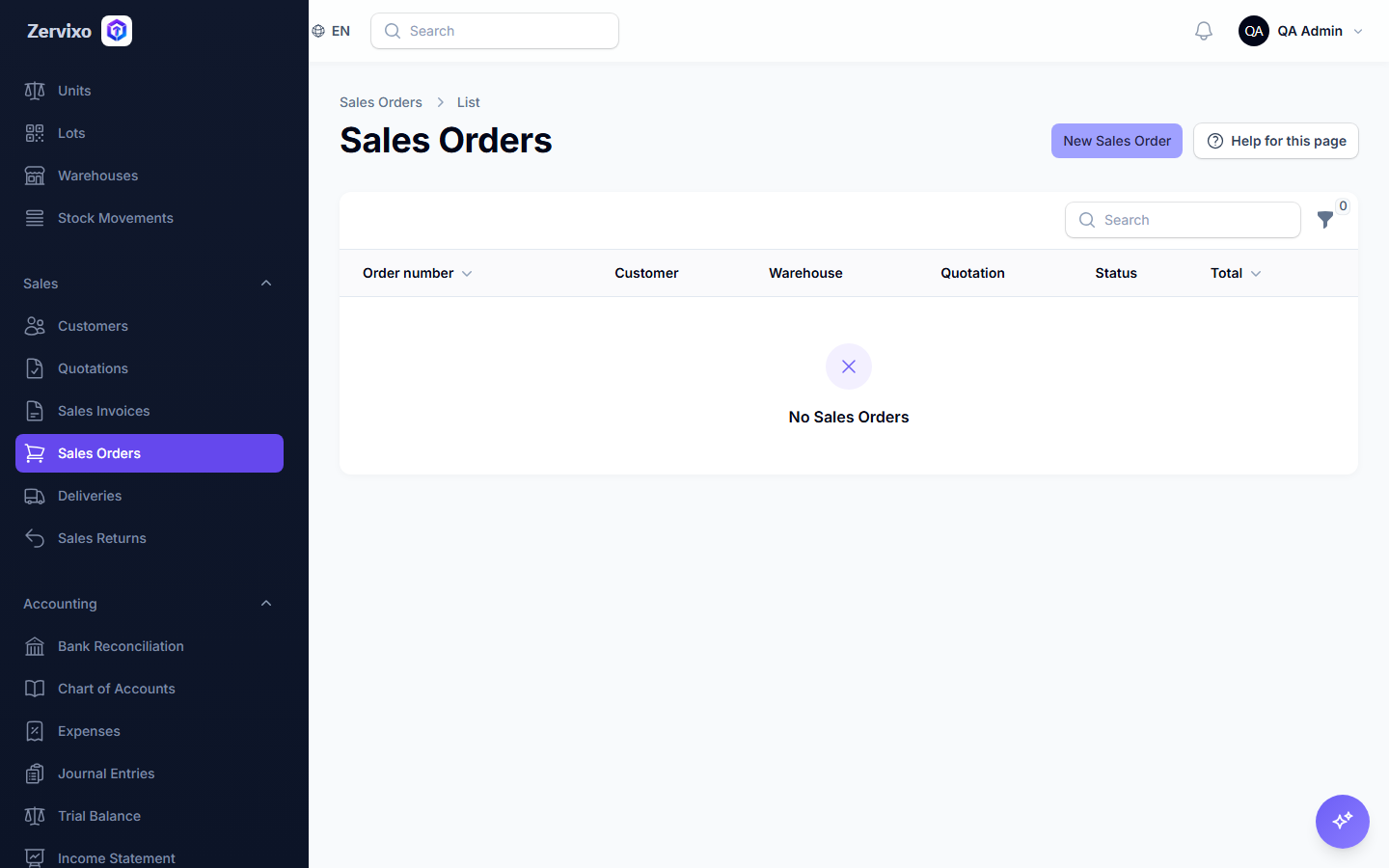
Screenshot from the live system
Common errors and how to resolve them
- I can't confirm the order — Check the requested quantity is actually available in the chosen warehouse — the system blocks over-reserving beyond available stock unless negative stock is explicitly allowed.