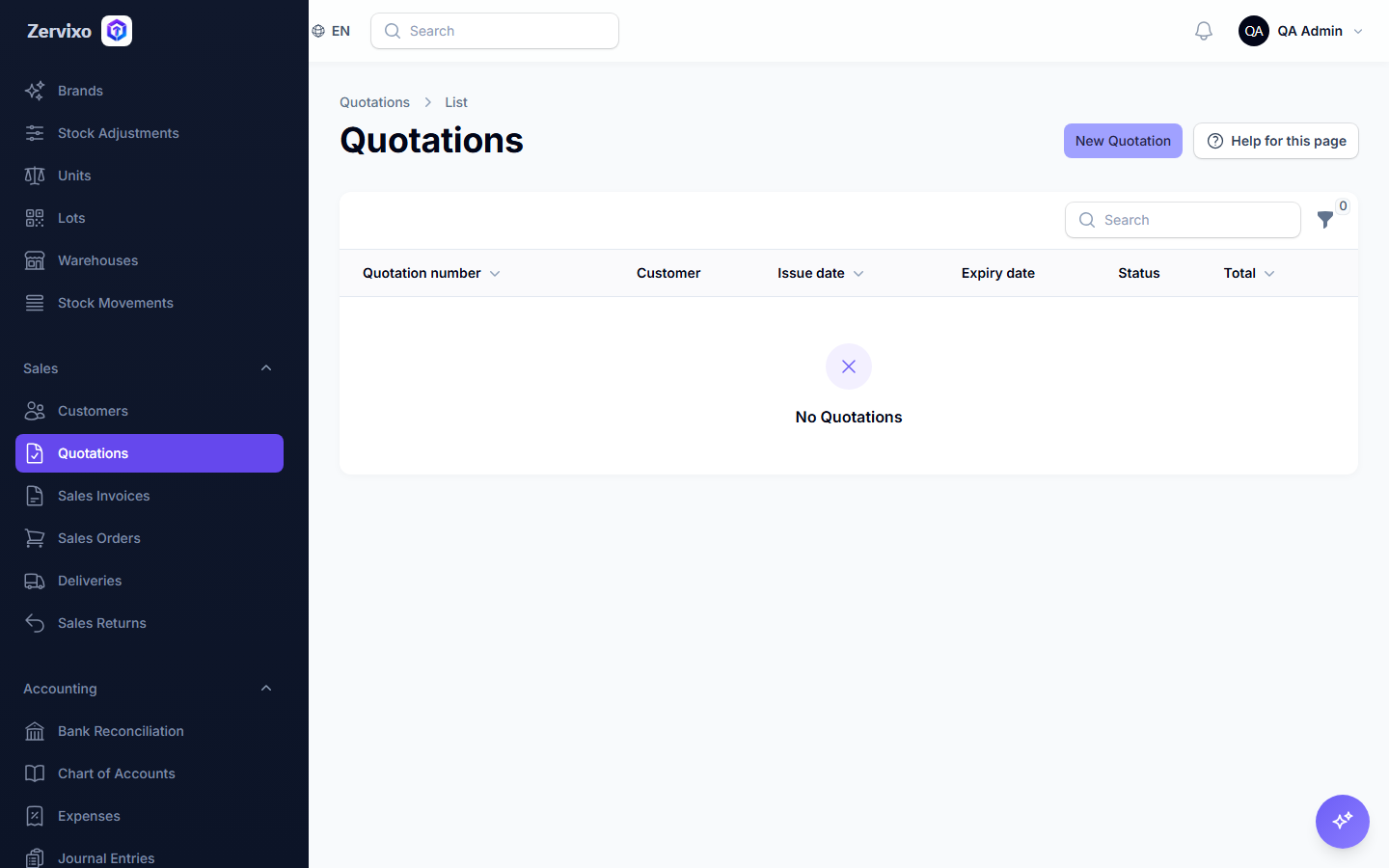
Creating a quotation
The first document in the sales chain: a quotation later converted to a sales order upon acceptance.
Reading time: 1 min · Updated 2026-11-21
What this page is for
Presents a formal price offer to the customer before committing to a real sales order.
Who can access this
Any user with manage sales.
Required permission
manage sales
Field reference
- Customer: From the pre-registered list
- Line items: Products/services, quantity, price per line
- Validity: The quotation's expiry date
Button reference
- Convert to sales order: Appears only after the customer accepts — creates a real SalesOrder linked to the same line items
Workflow
- Create the customer first if they don't exist.
- From "Quotations," create a new one and select the customer.
- Add line items and prices.
- Send the quotation to the customer.
- Upon acceptance, click "Convert to sales order."
Practical scenario
A restaurant requests a monthly-supply quotation from its supplier — a quotation is created with items and prices, the restaurant approves, and it converts automatically into a real sales order with the same data, no re-entry needed.
Screenshot from the live system