
Creating a purchase order
The formal commitment to buy from a supplier, after a purchase request or their quotation is approved.
Reading time: 1 min · Updated 2026-11-21
What this page is for
A formal purchase document specifying supplier, items, quantities, and prices, going through a real approval chain before it can be received.
Who can access this
Any user with manage purchases.
Required permission
manage purchases
Button reference
- Approve: First verifies the current user is actually authorized to decide, per the configured approval chain
Record states
- Draft
- Pending approval
- Approved
- Partially received
- Fully received
- Billed
Workflow
- Create the supplier first if they don't exist.
- Create a purchase order directly, or convert one from an approved internal purchase request.
- Send it for approval per the company's configured approval chain.
- Once approved, it's ready for a goods receipt.
Practical scenario
A purchasing officer creates a purchase order for 500 units of raw material, automatically routed to their manager for approval per the approval chain, and it cannot become a goods receipt before that approval.
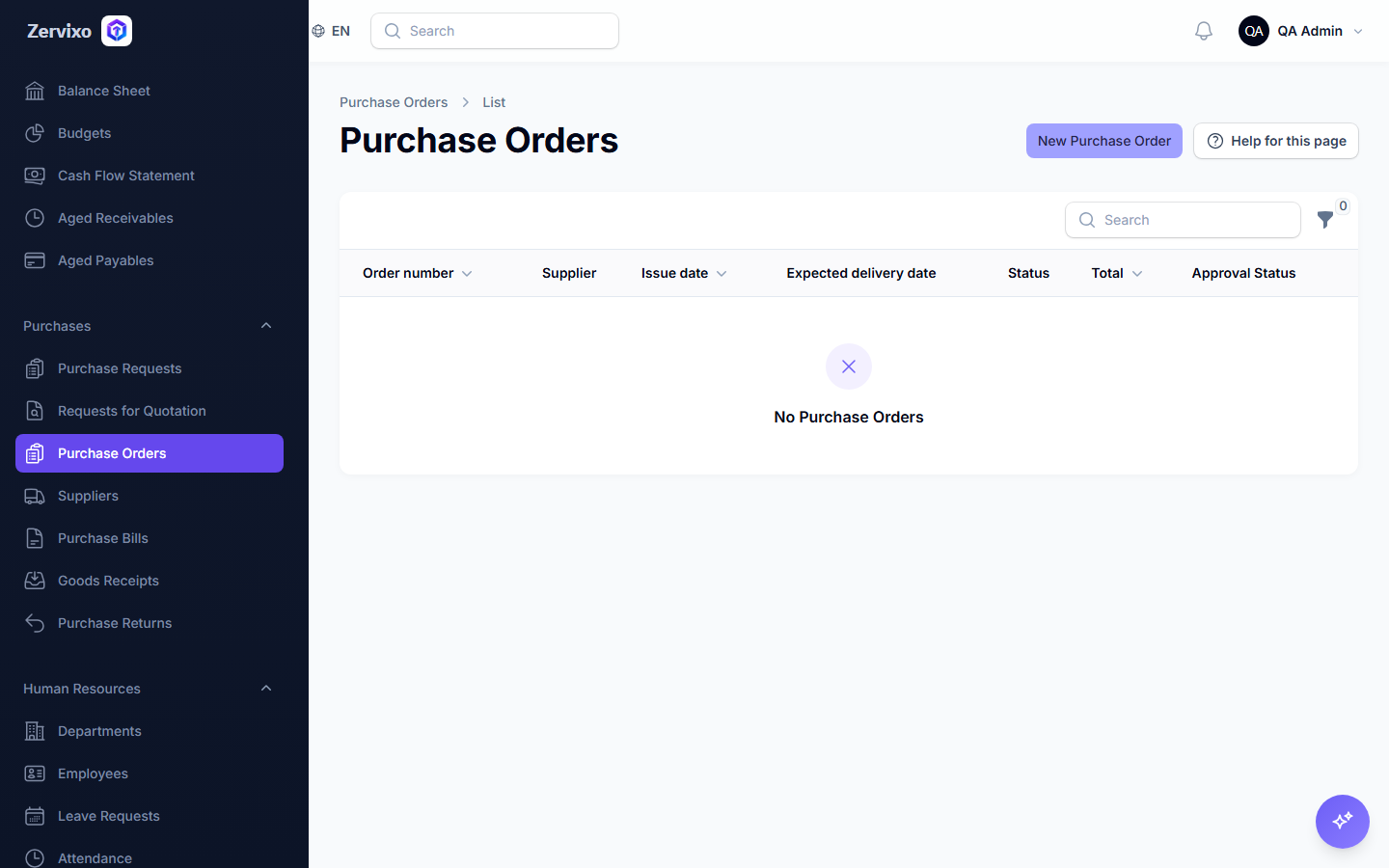
Screenshot from the live system
Common errors and how to resolve them
- I can't approve the order even though I'm a manager — Authorization is checked against the approval chain configured specifically for this document type — confirm you're actually added as an approver on that specific chain.