Creating a new customer
The first step in any sale — recording the customer's details.
Reading time: 1 min · Updated 2026-11-21
What this page is for
Records a customer's details once, reused automatically across every future quotation and invoice for them.
Who can access this
Any user with manage sales.
Required permission
manage sales
Field reference
- Name: The customer's or company's name
- Email/phone: Contact details
- VAT number: Required if you'll issue them tax invoices later
Workflow
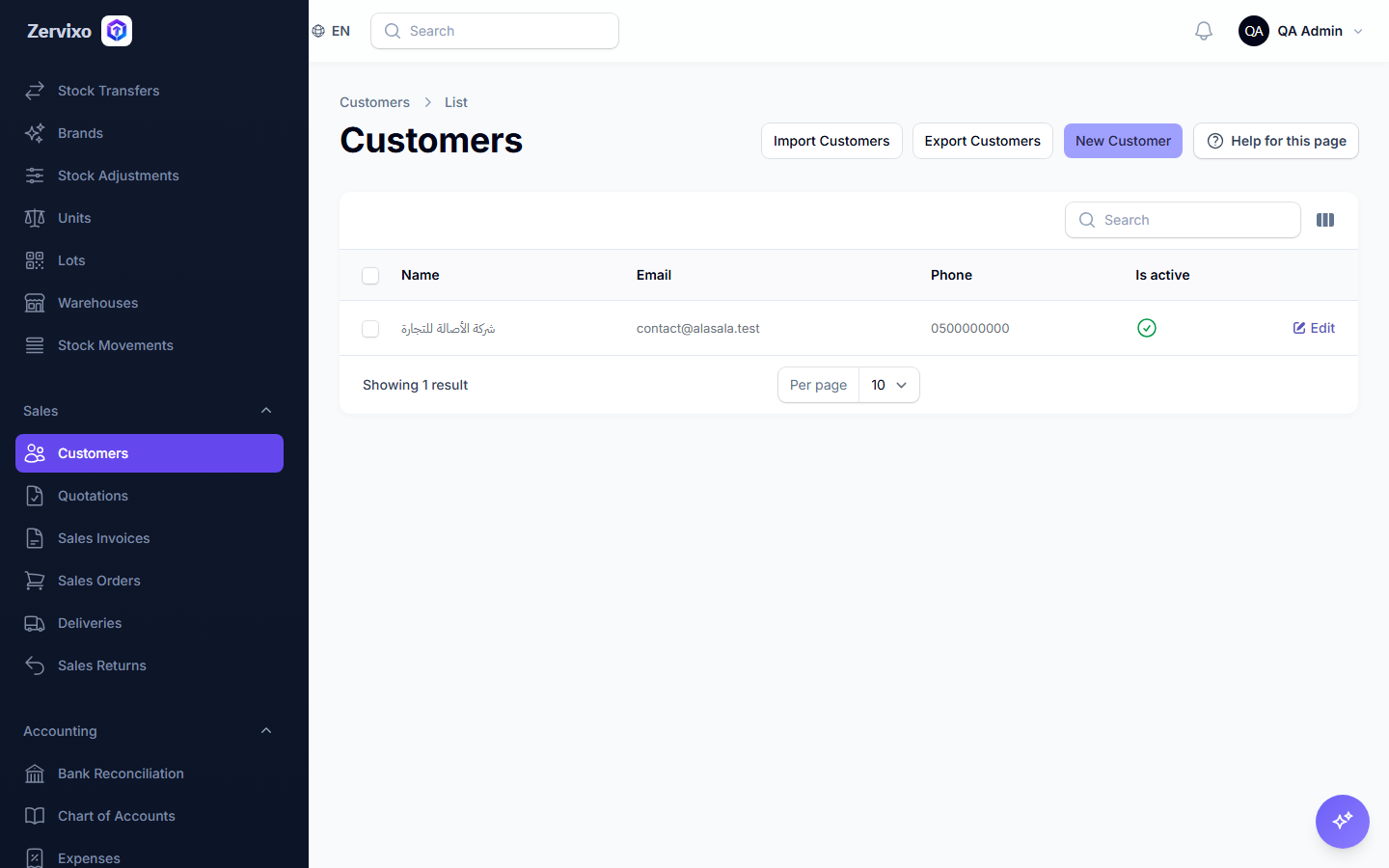
- From "Sales" → "Customers," click "Create customer."
- Enter the name, contact details, and VAT number if applicable.
- Save.
Practical scenario
A new customer requests their first quotation — their name and VAT number are recorded once, so every future quotation and invoice for them is just one click to select from the list.
Screenshot from the live system