
Connecting a payment gateway for your own customers
Setting up an online payment gateway (e.g. Creem) so YOUR OWN customers can pay their invoices online — completely separate from you paying for your Zervixo subscription.
Reading time: 2 min · Updated 2026-11-21
What this page is for
Links your company's own merchant account to a gateway the platform has enabled, activating online payment for your customers.
Who can access this
Company Admin only.
Required permission
manage company settings
Field reference
- Gateway: Only from among the gateways the Zervixo platform has enabled
- Test/Production mode: Test or Production
- Currency: The transaction currency through this gateway
Button reference
- Test connection: Verifies the setup is correct before relying on it for real transactions
Workflow
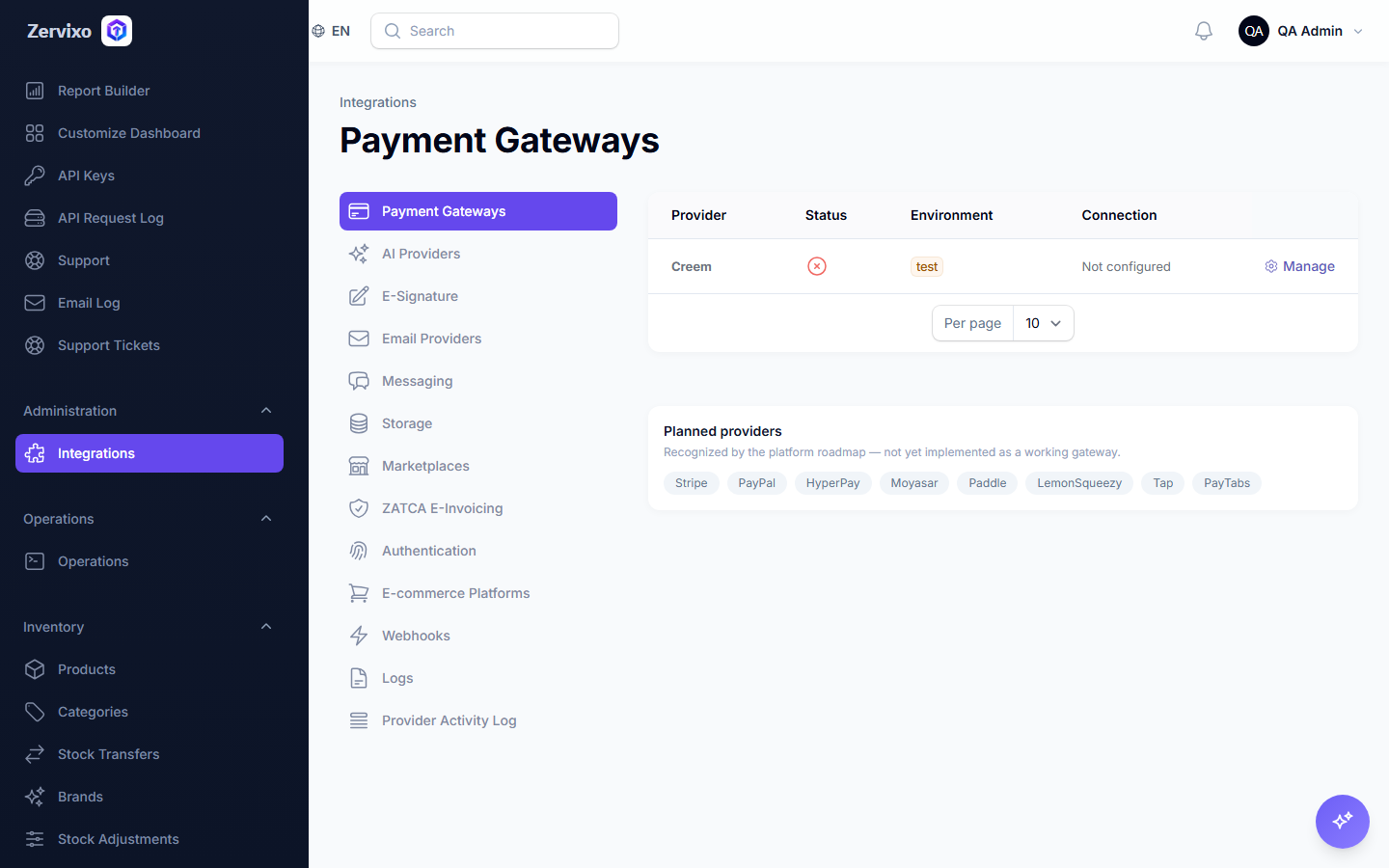
- From "Integrations," open "Payment Gateways."
- Pick the gateway available to you.
- Enter your own merchant account details for that gateway.
- Click "Test connection" to confirm.
- Activate it to start receiving your customers' online payments.
Practical scenario
An online store wants to accept online payments from its customers: connects its Creem account from the Integrations page, tests the connection successfully, and every invoice's payment link becomes ready to send directly to customers.
Screenshot from the live system
Common errors and how to resolve them
- 0 — Is this the same place I pay for my own Zervixo subscription?
- 1 — Not at all — this is your own gateway for your own customers, entirely separate (different tables and settings) from "Invoices & Payments" for your own Zervixo subscription.