What this page is for
Creates a new Central Identity, creates the first company (tenant) linked to it, and activates a trial covering every module automatically.
Who can access this
Anyone new to Zervixo — no prior permission needed; the person who registers becomes Company Admin automatically.
Required permission
None (public page, pre-login)
Field reference
- Company name: Automatically becomes a unique subdomain, e.g. yourcompany.zervixo.com
- Full name: Your own name as the first account owner
- Email: Used for login and the verification link
- Password: Must meet a minimum complexity bar
Button reference
- Create account: Creates the Central Identity and the company together in one step, and logs you in automatically
Record states
- Email unverified (before clicking the activation link)
- Email verified (after clicking the sent activation link)
Workflow
- Open the public registration page.
- Enter the company name, your name, email, and a strong password.
- Click "Create account."
- You are logged in automatically and redirected to the dashboard.
- Check your email and click the verification link — the welcome email only sends after this step.
Practical scenario
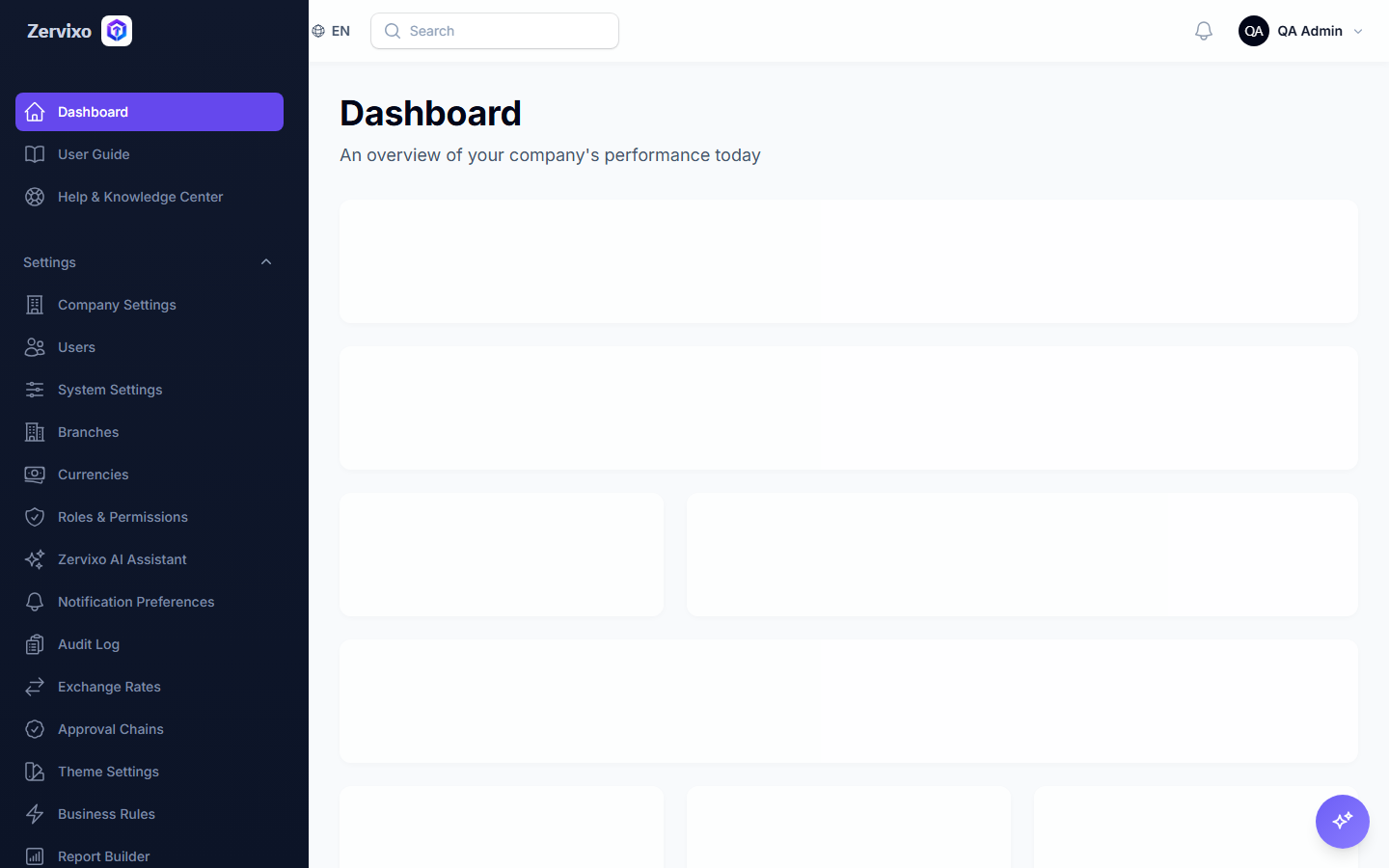
"Al-Asala Restaurant" registers for the first time: the owner enters the company name, personal email, and a password, and immediately gets a dedicated subdomain and an empty dashboard ready for setup, with a trial covering every module already active.
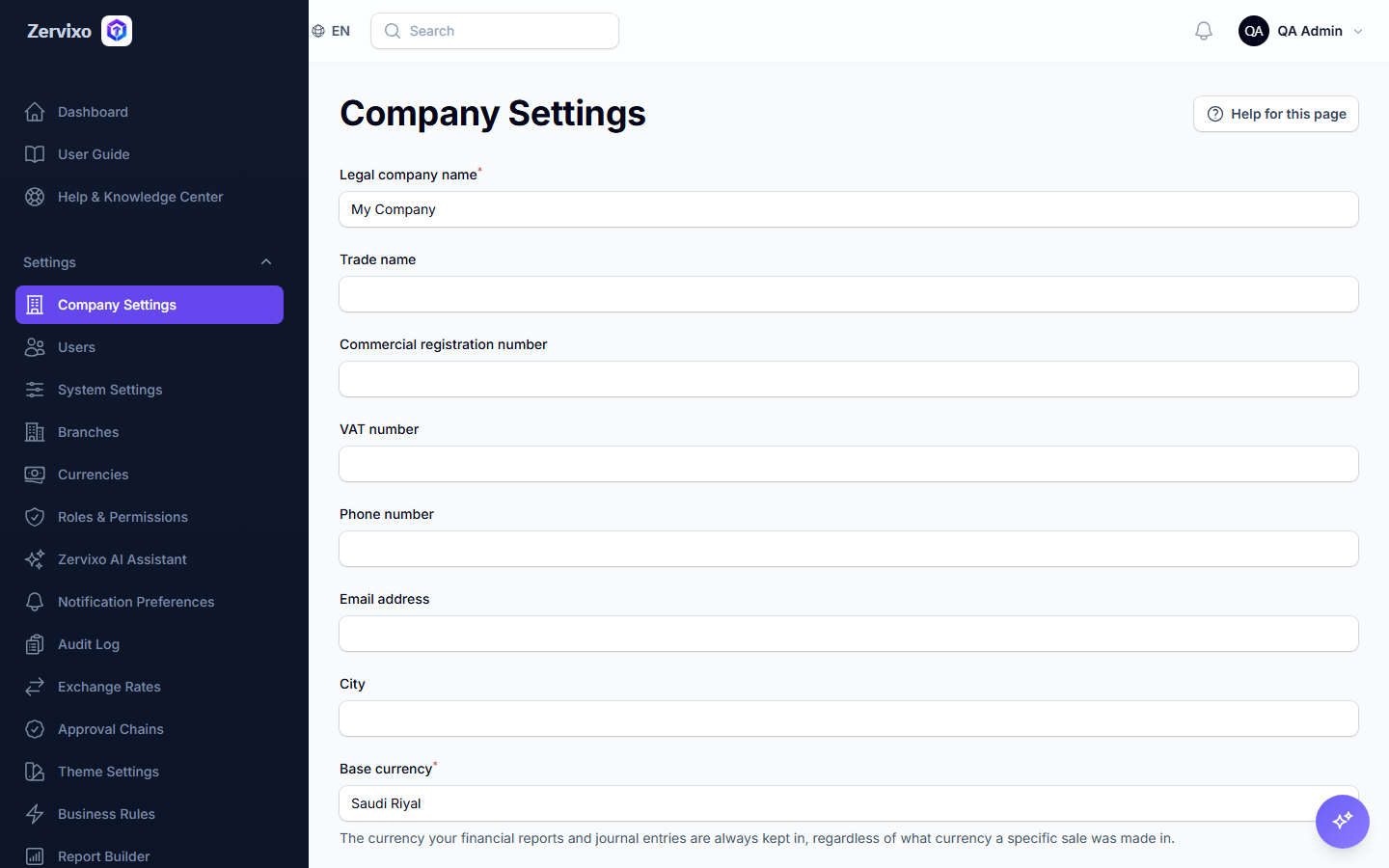
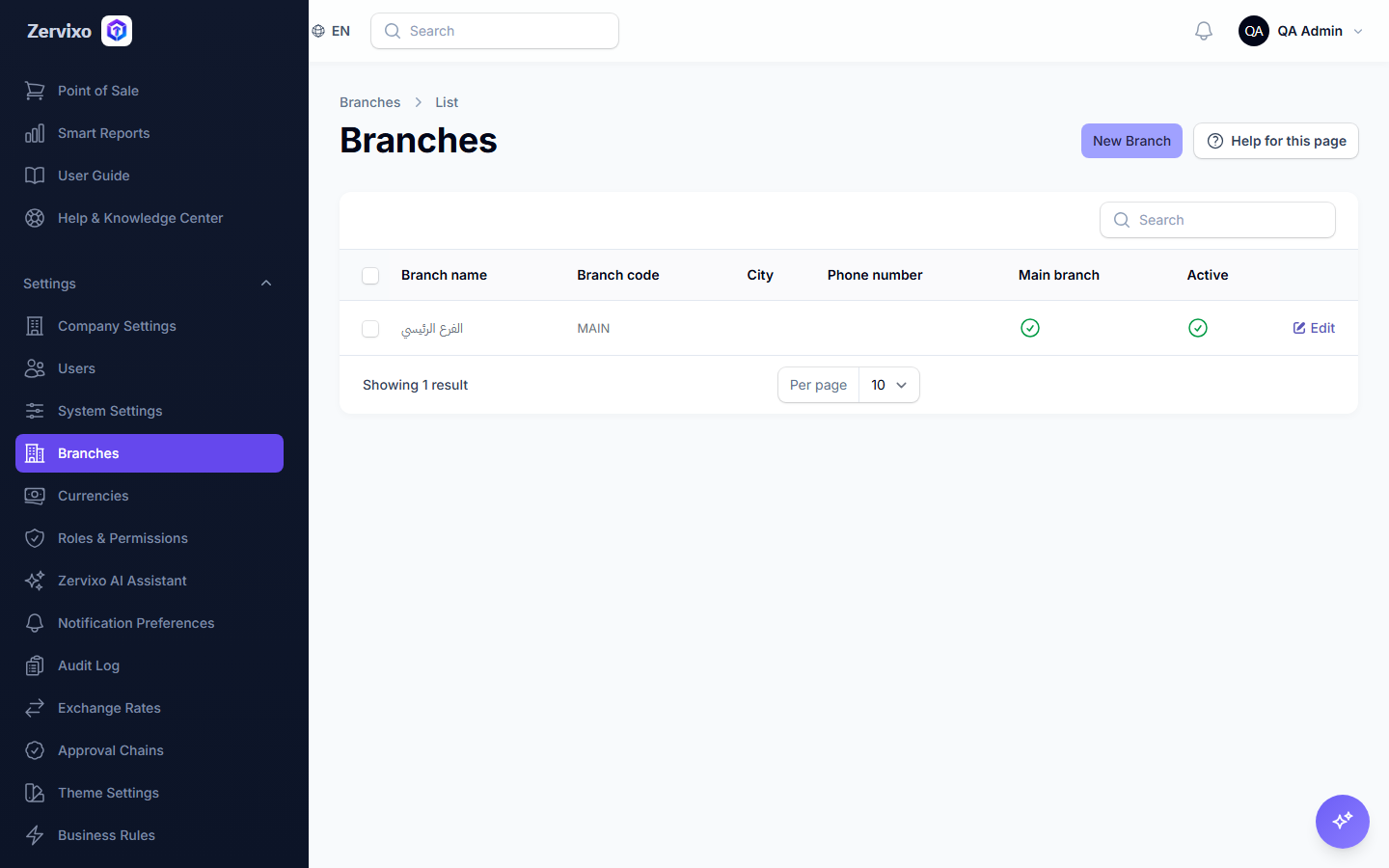
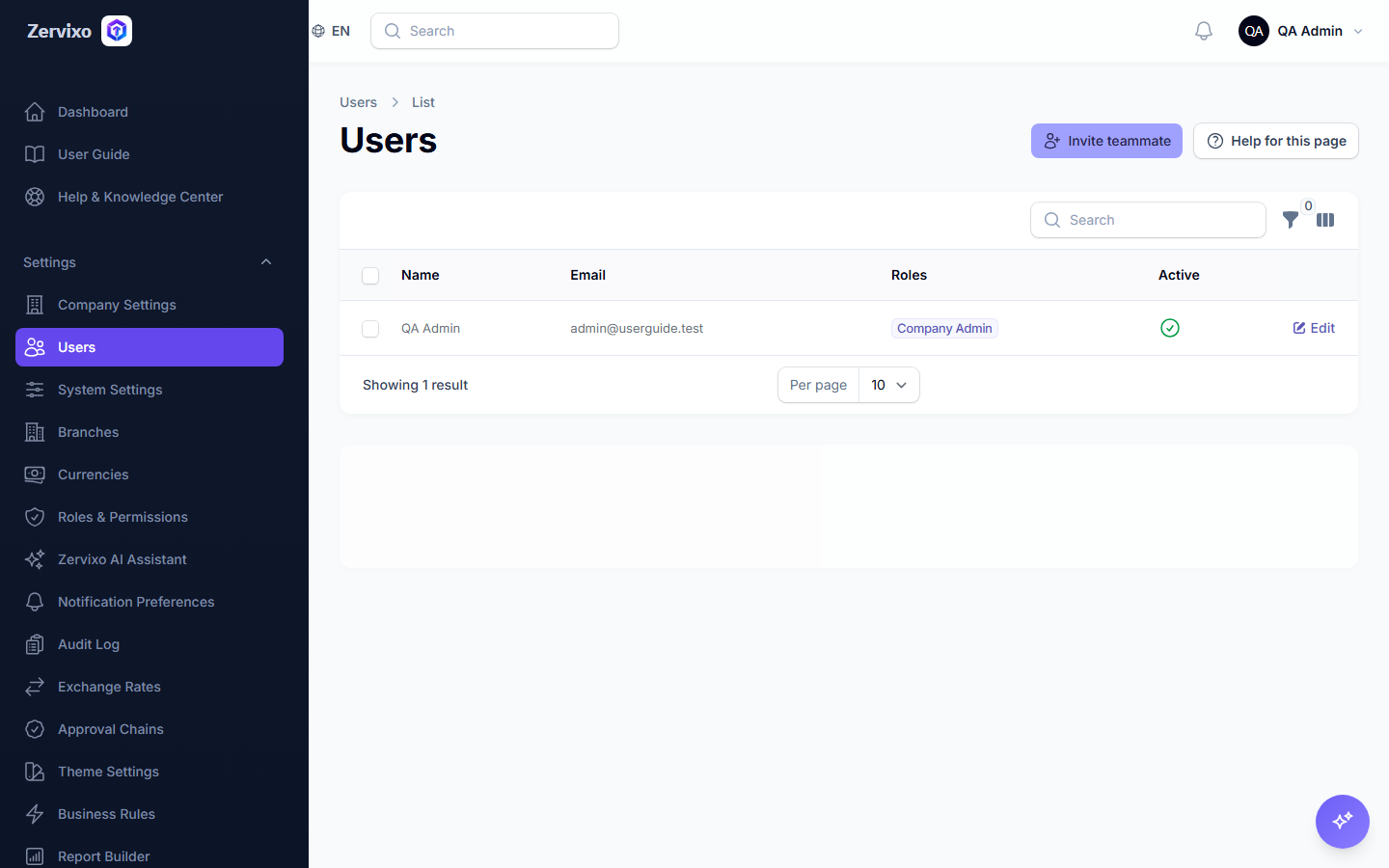
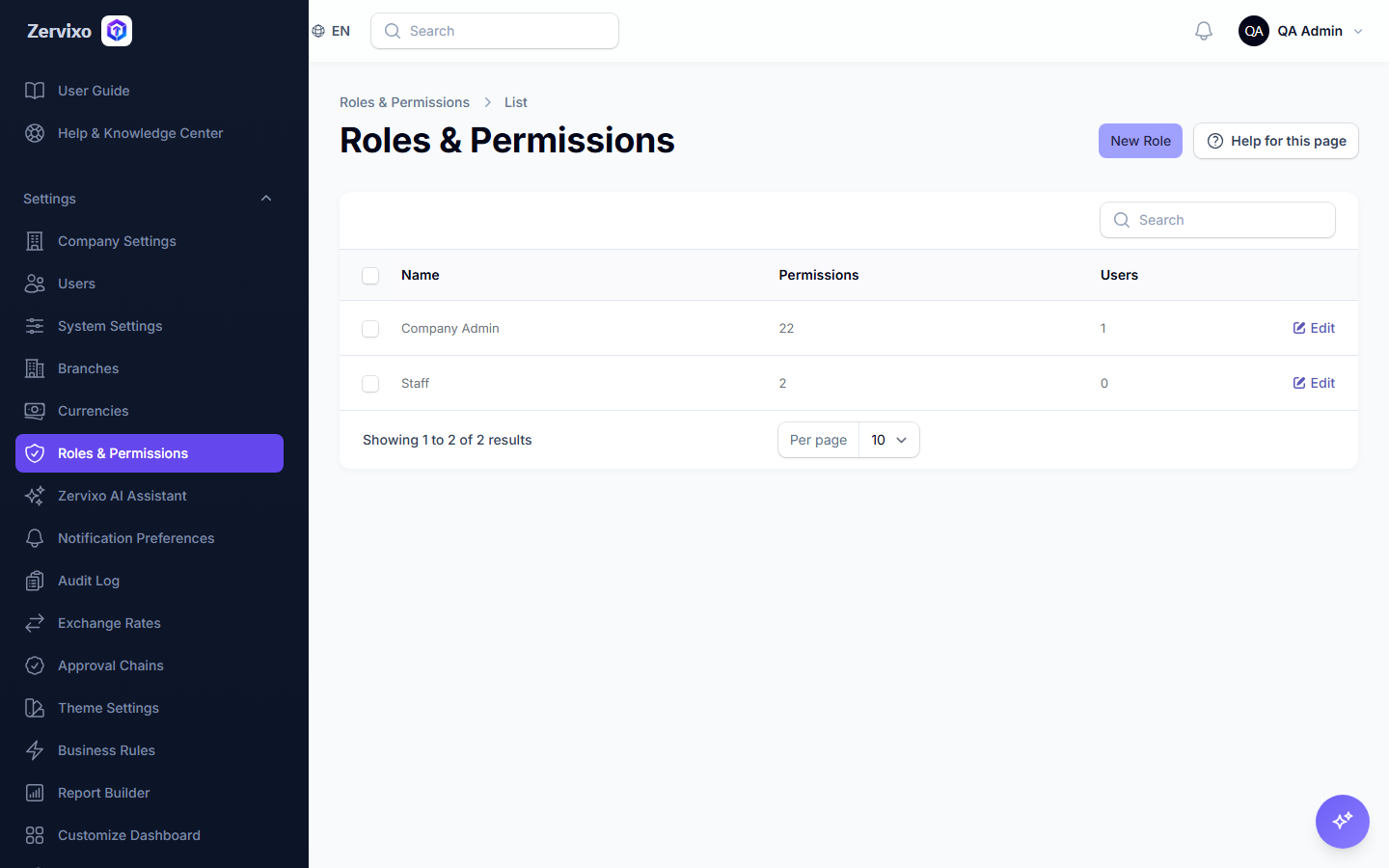
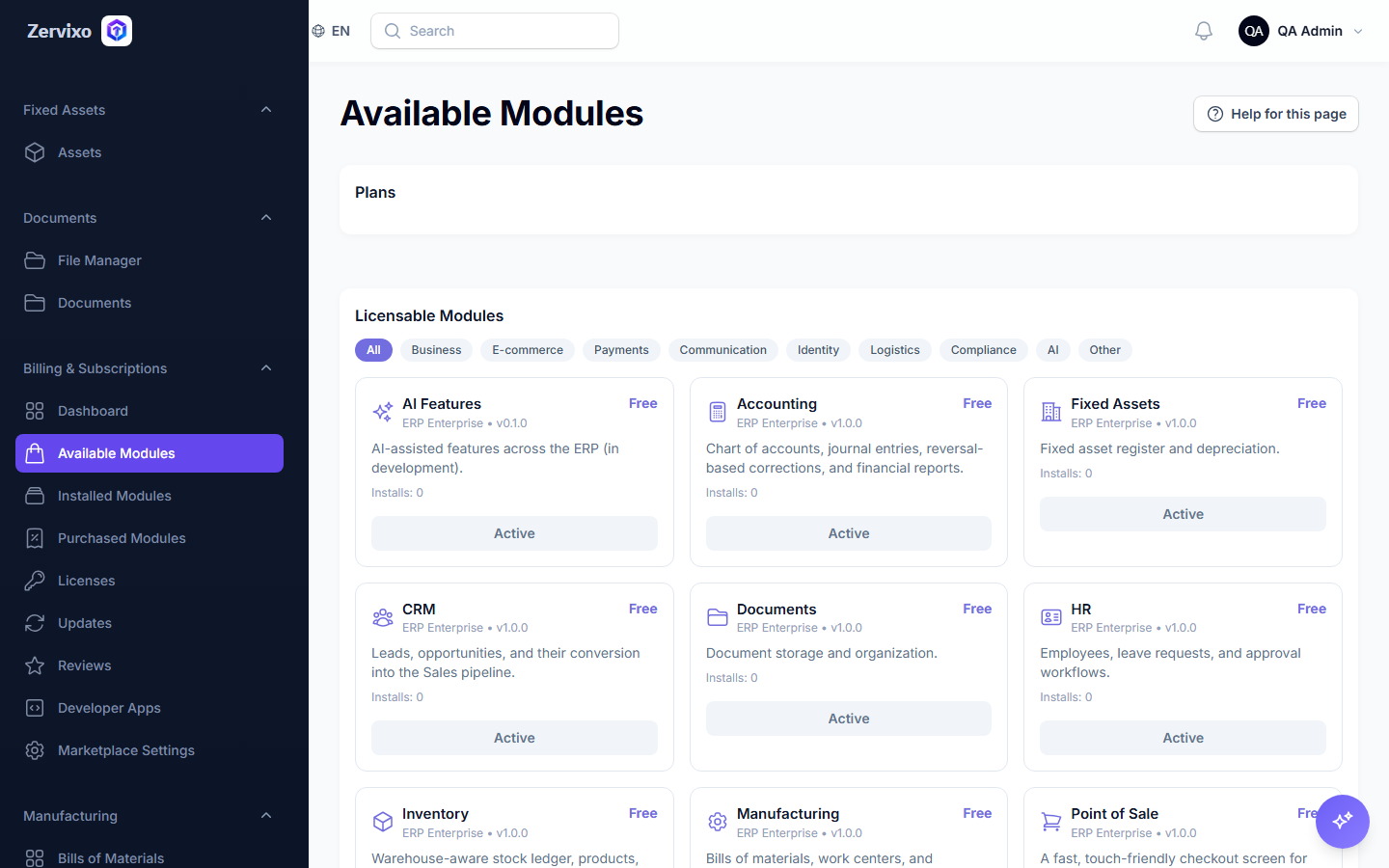
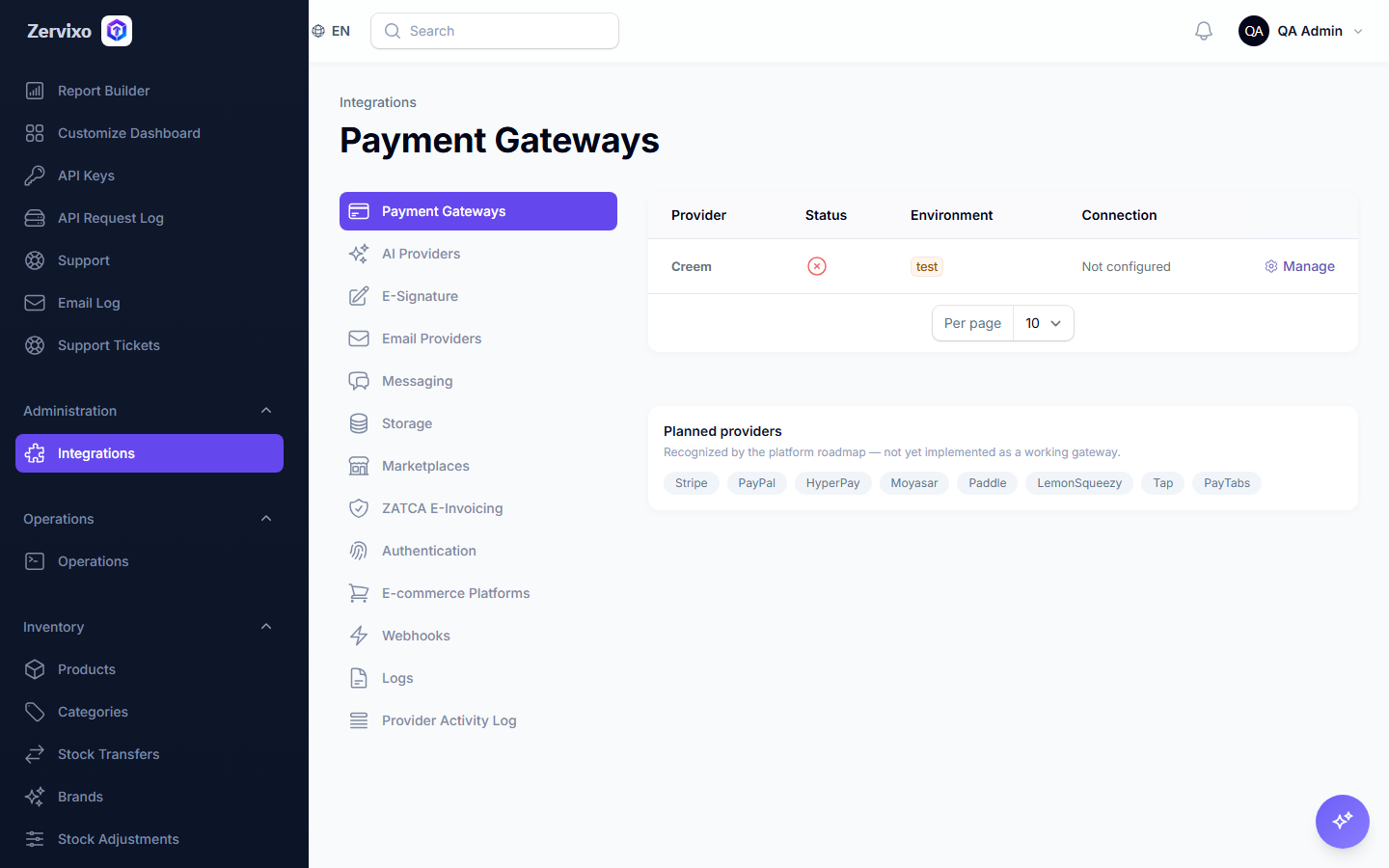
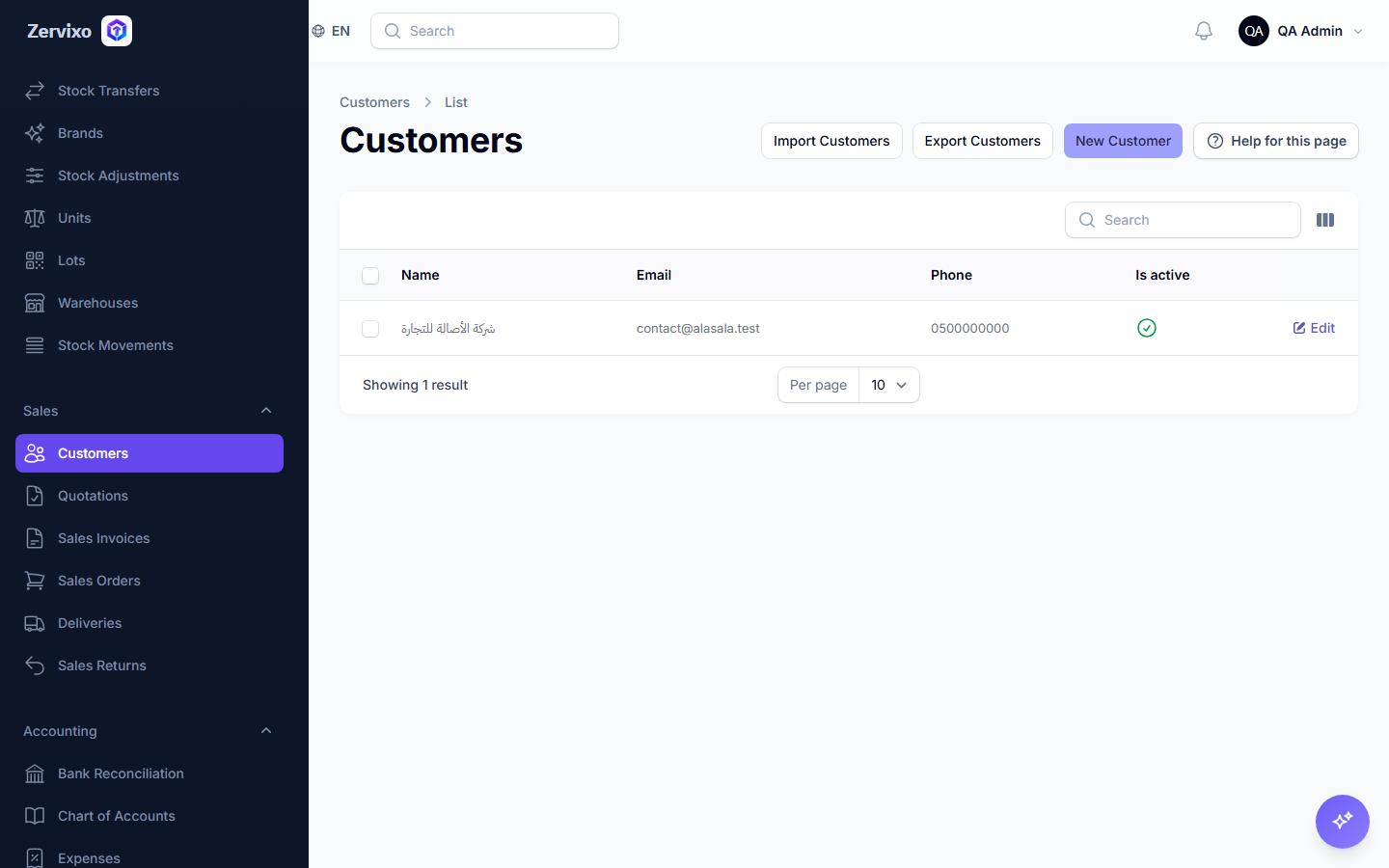
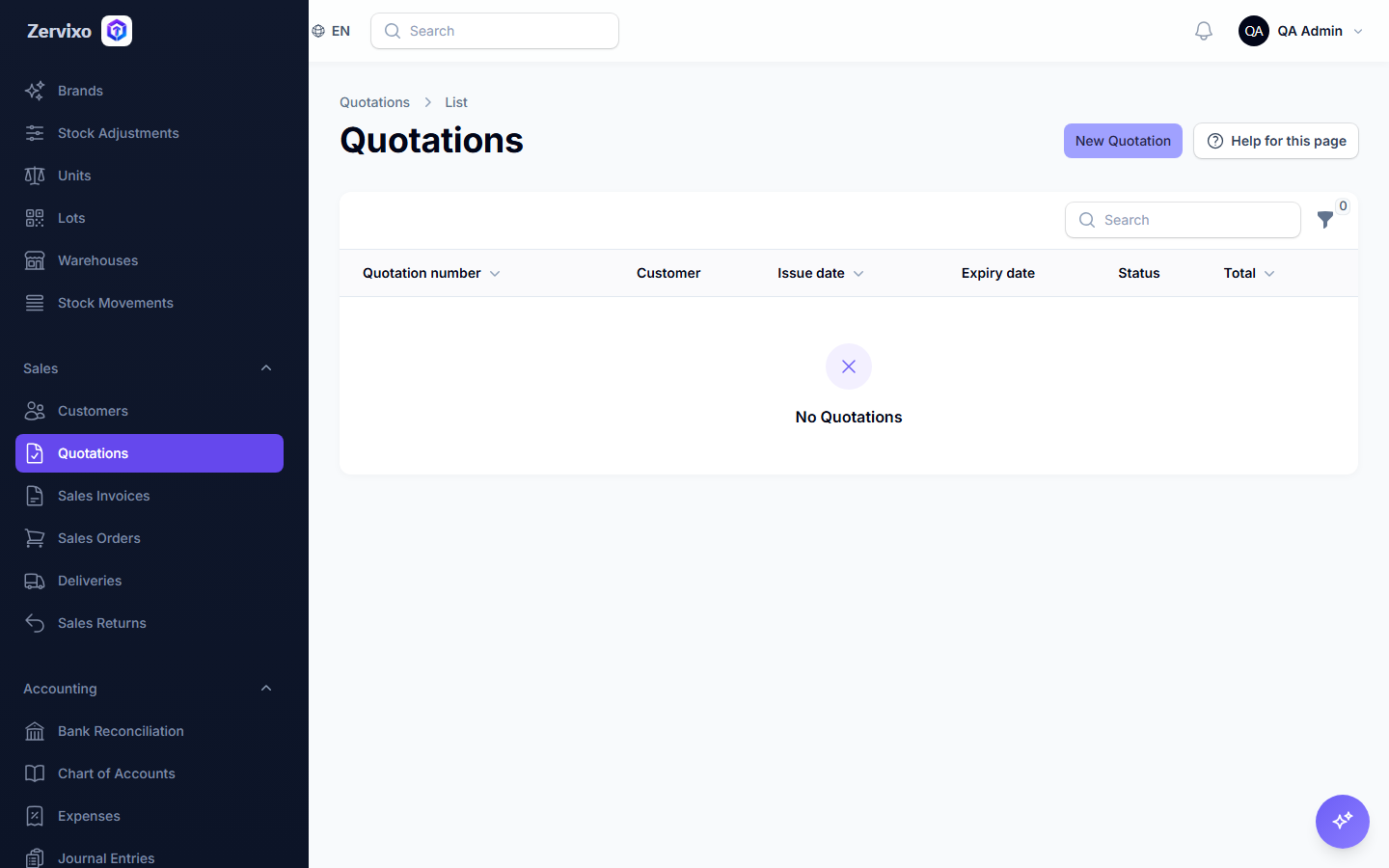
Screenshot from the live system
Common errors and how to resolve them
- I didn't receive the verification email — Check your Spam folder, or use "Resend verification link" from the account page.
- Company name already taken — Choose a different name — every company needs a unique subdomain.